

The coworking member portal built for members on the move
Meet the new Yardi Kube member portal
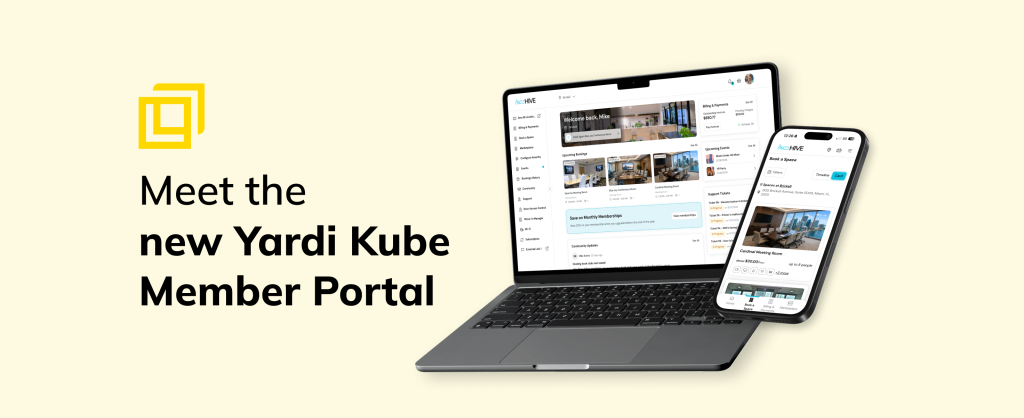
Release highlights:
- Mobile-first coworking portal redesigned to deliver a native feel on any device, optimized for speed and members on the move
- Personalized member dashboard greets members by name, displays their home location and offers a one-tap shortcut to rebook their most recent room
- Operator-controlled promotional banners give operators prime dashboard real estate for membership upgrades, policy announcements or new add-on offers with a direct action button
- Live support ticket tracking shows open requests and status updates directly on the dashboard
- White-labeled member portal branding reflects the operator’s identity throughout the full member experience, so members stay connected to your brand
The member portal is often the most underestimated touchpoint in the coworking experience. It’s where members manage their day — booking rooms, reviewing invoices, staying connected to their community — and how well it performs shapes how they feel about your space. A fast, intuitive portal signals professionalism.
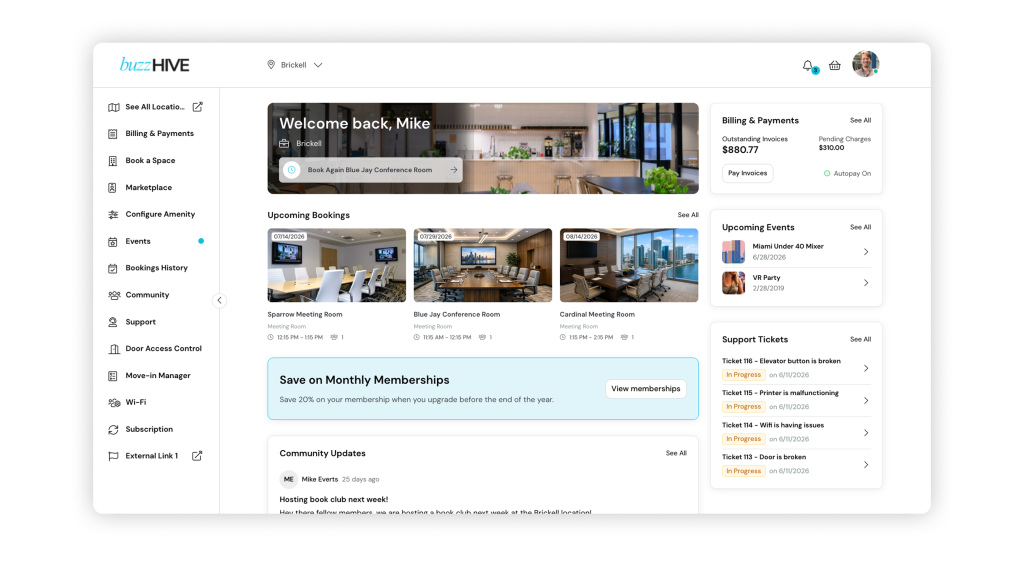
That’s why Yardi Kube‘s coworking member portal has been completely rebuilt. The new portal replaces a static menu-driven interface with a dynamic, interactive dashboard that surfaces everything members need the moment they log in: upcoming bookings, account balance, community activity and support requests are all in one place. And while the experience is polished across every screen size, it was built mobile-first — designed for members on the move, with an interface that feels completely natural on the device they reach for most and optimized for getting things done quickly.
Here’s what’s new.
The portal that knows you
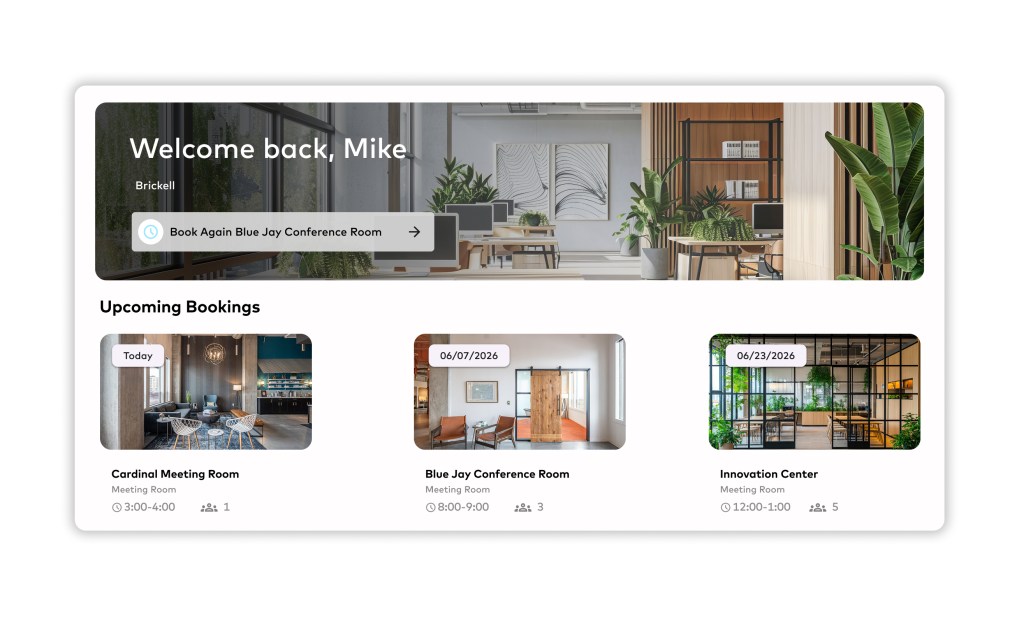
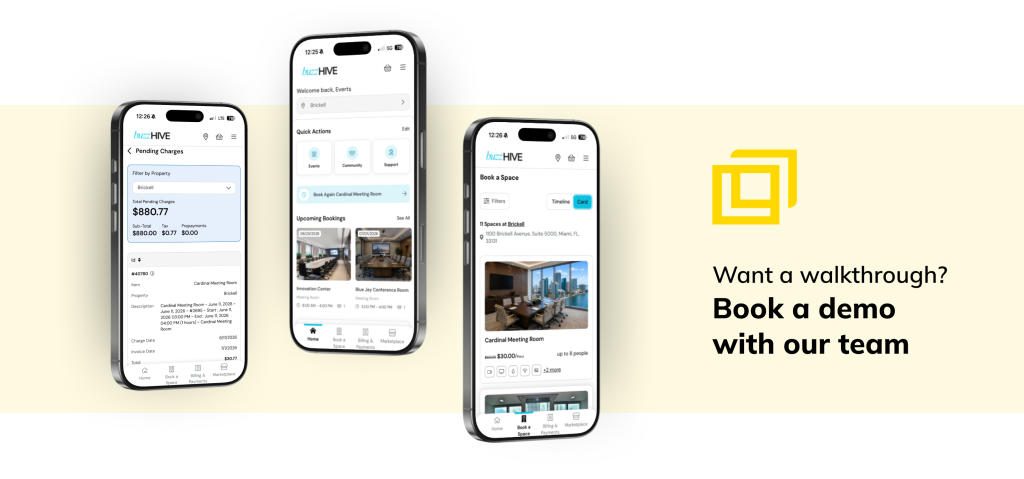
Members are greeted by name, with a photo of their home location front and center. At multi-location operations, members can switch locations right from the top bar, so they always know exactly which space they’re booking in. Even better: the portal remembers. A one-tap “Book again” shortcut lets members rebook their go-to room directly from the welcome banner — no searching, no menus, just one click to the room they booked last week. From there, upcoming bookings appear as visual cards with a photo of the room, the date, the time, and the headcount, so members can tell at a glance what’s today, what’s next week, and exactly which room they reserved.
Your message, front and center
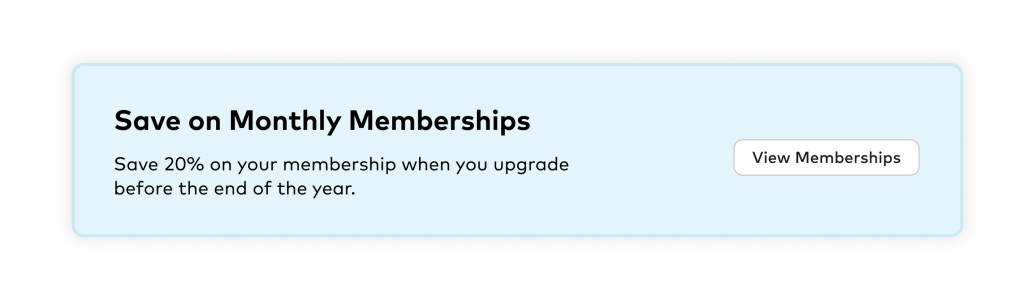
Operators can now display promotional banners directly on the dashboard. Running a membership upgrade promo? Announcing a policy change? Highlighting a new add-on? Put it where every member will see it, with a button that takes them straight to the action. It’s prime real estate on the one page every member visits and it’s yours.
Community, built in
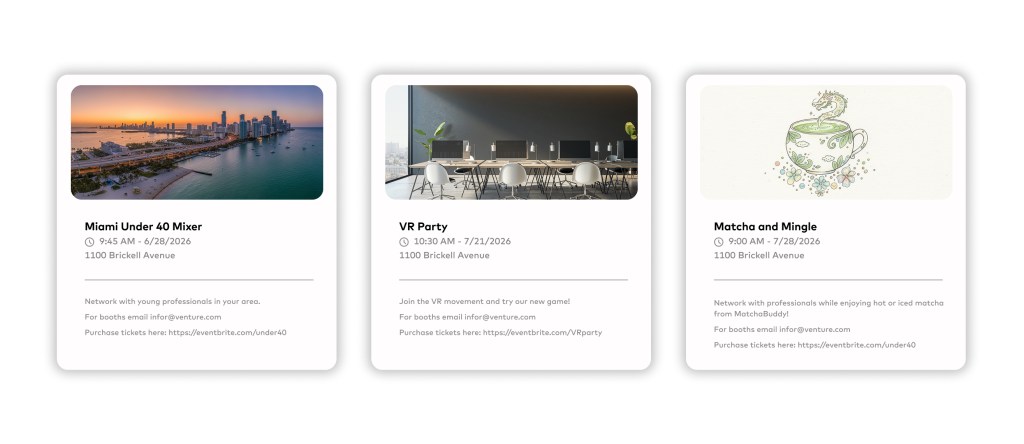
Community updates live right on the dashboard. Post announcements, share news and give members a place to start discussions and comment on each other’s posts. Members can explore what’s happening in the community without leaving the page they landed on. Upcoming events get their own panel too, with images and dates, so your next mixer or workshop is never buried in email.
Billing without the friction
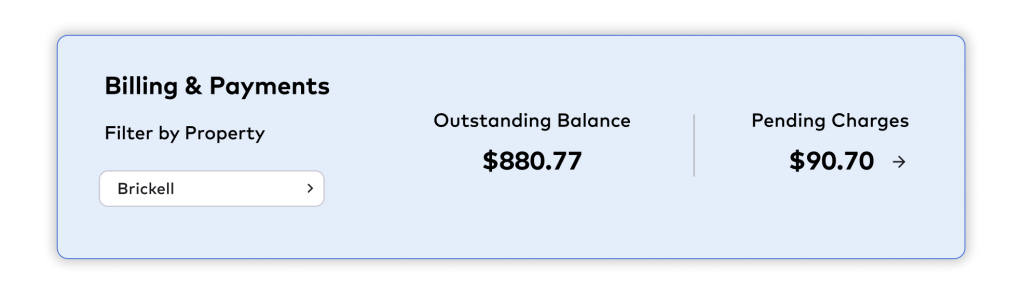
Members with payment access see their billing status at a glance: outstanding invoices, pending charges and whether Autopay is on. Paying a bill takes seconds, not a support ticket. And the portal is permission-aware. If a member doesn’t have payment access, the billing section simply isn’t there. Team members see what’s relevant to them, and nothing they shouldn’t.
Support that shows its work
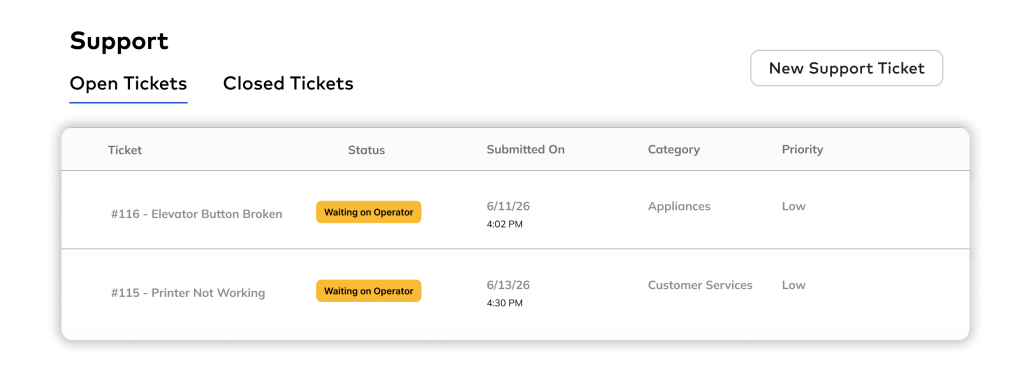
Submitted a ticket about the printer? Members can now see every open request with a clear status badge and date, right on the dashboard. Submitting a new ticket is just as fast. No more wondering whether the request went through. Members see progress in real time, without the need to follow up.
Everything else, one click away
The left sidebar puts the full portal within reach: booking, marketplace, events, bookings history, community, support, door access control, move-in tools, Wi-Fi and subscription management. It collapses when members want more room to work. It’s all wrapped in your branding, so your space is reflected.
Why it matters
A member portal isn’t just a convenience. It’s retention. Members who can book, pay and connect without friction stay longer and buy more. Operators who can promote offers and post announcements actually sell more.
The new Kube member portal makes your space feel like it runs on rails. Members find exactly what they need, faster, in a portal that finally looks as professional as the space you’ve built.
The new member portal is rolling out now to all Yardi Kube clients. Want a walkthrough? Reach out to your Kube representative or book a demo with our team.

Melody Mechanic
Melody manages emerging markets marketing for Yardi's commercial real estate business, driving product marketing and campaign strategy across the technology suite. Outside of work, she's a regular at coworking spaces herself and loves baking elaborate Halloween-themed cakes.