

New Reporting Capabilities in Yardi Kube: A Guide to Report Pack 3
Introducing Yardi Kube Report Pack 3
Yardi Kube is expanding its reporting functionality with seven new reports, giving operators easier access to rent roll, sales and door access information, without the need for manual data collation. Known as Report Pack 3, the update also introduces reporting for credit notes, custom fields, new contracts and space availability.
Below is an overview of the new reports and the available access controls.
Company Contract Schedule Report
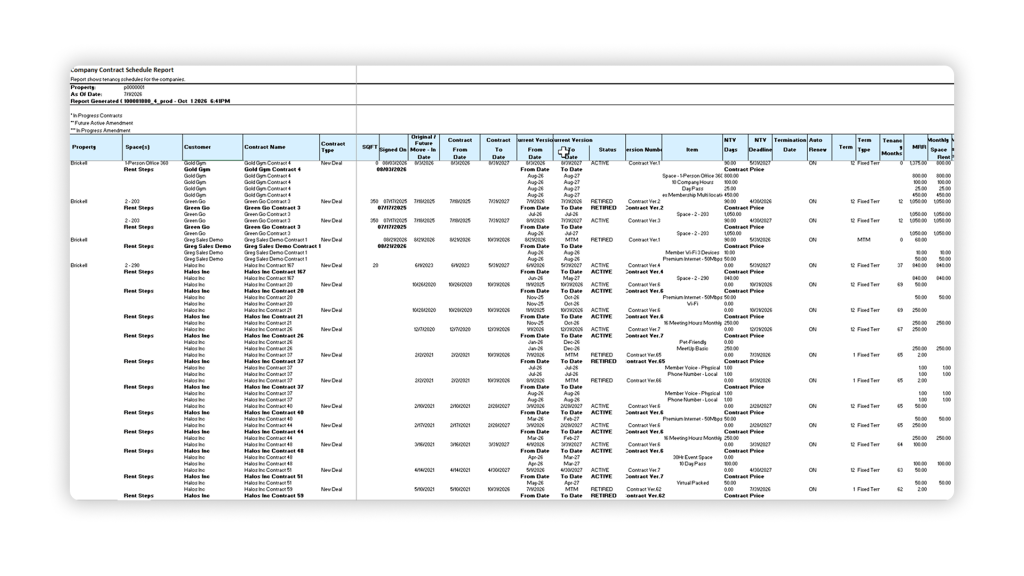
This report provides a comprehensive view of the rent roll, bringing together contract dates, status, versions, terms and tenancy details. It also includes a monthly breakdown of rent, custom charges and rates per square foot, helping operators monitor income, identify pricing discrepancies and improve revenue forecasting across their properties.
Online Sales Report
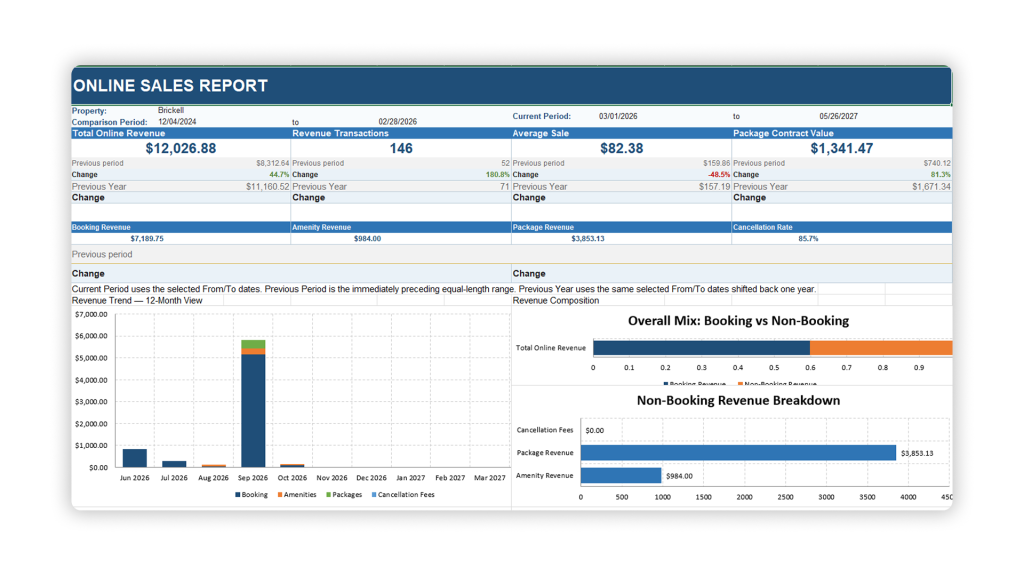
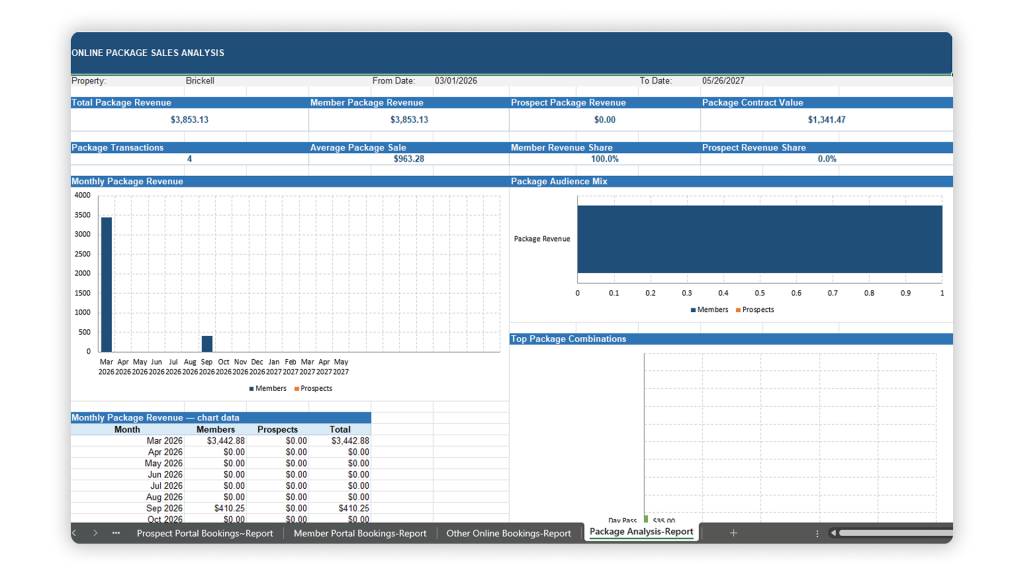
A multi-sheet report consolidates online revenue data from Ecommerce, Prospect Portal and Member Portal, covering bookings, packages and sales performance. It gives operators a clearer picture of revenue generated across each channel, helping them identify trends, assess performance and pinpoint opportunities to increase sales across their portfolio.
Credit Notes Report
Gain a consolidated view of issued credit notes, including the total value, outstanding balance, status and reason code for each. This makes it easier for operators to monitor billing adjustments, track outstanding amounts and maintain accurate financial records.
Custom User Fields
A two-sheet report brings together custom field data for companies and users, providing a convenient way to review, audit and export information captured across your property portfolio.
New Contracts
Access a detailed overview of newly submitted contracts, including contract type, initial request, monthly recurring revenue, start and end dates, as well as termination dates and submitter details. This gives operators greater visibility into incoming business, recurring revenue opportunities and potential upselling activity.
Access Control Log
Gain insight into door access activity across your properties with an exportable record of access attempts, outcomes and entry methods. This helps operators monitor building access, review activity patterns and support wider property security management.
Availability Report
Monitor vacancy across your portfolio with a consolidated view of property and space availability. Identify vacant spaces and dedicated desks, as well as those under offer or approaching their expiry date, to support more effective space management.
Launch date and access
Report Pack 3 will be available to all Yardi Kube operators, and property owners can determine which additional internal user roles can access individual reports. To configure permissions, navigate to System Settings → Security → YSR Reports within your portal. From here, owners can select which reports are visible and assign access rights to the relevant internal user roles.
Yardi Kube continues to expand its reporting capabilities, giving operators greater visibility and control across their portfolios. To explore the new reports and understand how to make the most of Report Pack 3, contact the team or book a demo.
